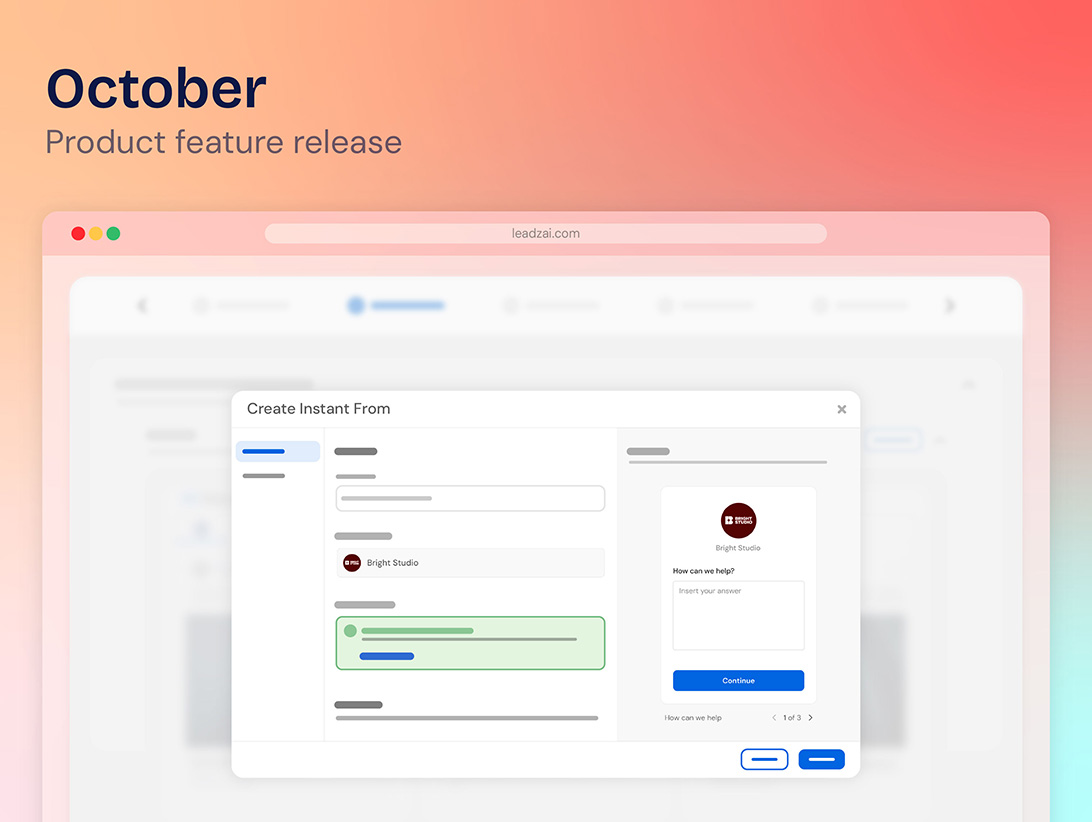




This month's release focuses on making campaigns faster to launch, easier to manage, and more reliable from the start. Highlights include a significantly faster AI-powered campaign generation engine, improved Meta targeting with broader audience recommendations, and a range of workflow enhancements that simplify keyword, location, and search term management. We've also introduced new validation checks to prevent common campaign setup issues before launch, along with a reporting enhancement that adds visibility into image extensions in downloadable reports. Together, these updates help streamline daily operations while improving campaign performance and deliverability.
List of new features and brief summary:
- ACS Improvements: Faster Campaign Generation - We have made significant improvements to the speed of our AI-powered campaign generation engine. Your campaigns are now built faster and more accurately, with no changes required on your end.
- Meta Interests Set to Broad - Meta interest suggestions previously combined multiple specific interests, sometimes shrinking the audience so much that campaigns struggled to get an audience. The engine now suggests a single, broad interest instead, widening the addressable audience and improving campaign deliverability.
- UX & Workflow Improvements - Four updates that streamline day-to-day navigation and give more visibility into existing data:
- Select multiple search terms at once and add them as keywords in bulk, instead of one at a time
- "Save and add more" option when targeting locations. Add multiple locations without leaving the same view
- See at a glance whether the Display Network is active on a campaign, via a new read-only field
- Track keyword status directly in the Search Terms table, with a new column showing Enabled, Paused, or other states
- Campaign Validation Improvements - Two updates that help catch problems before they impact live campaigns:
- See a before/after status for each affected ad when bulk pausing or unpausing, so changes can be confirmed before they're applied
- Meta-only campaigns can no longer be launched without a linked Facebook page — the launch button is disabled with a clear explanation
- Reporting Enhancement: Image Extensions in Downloadable Reports - Image extensions are now visible in the downloadable report, so advertisers can see this option is active on their campaigns
Sneak Peek for August 2026
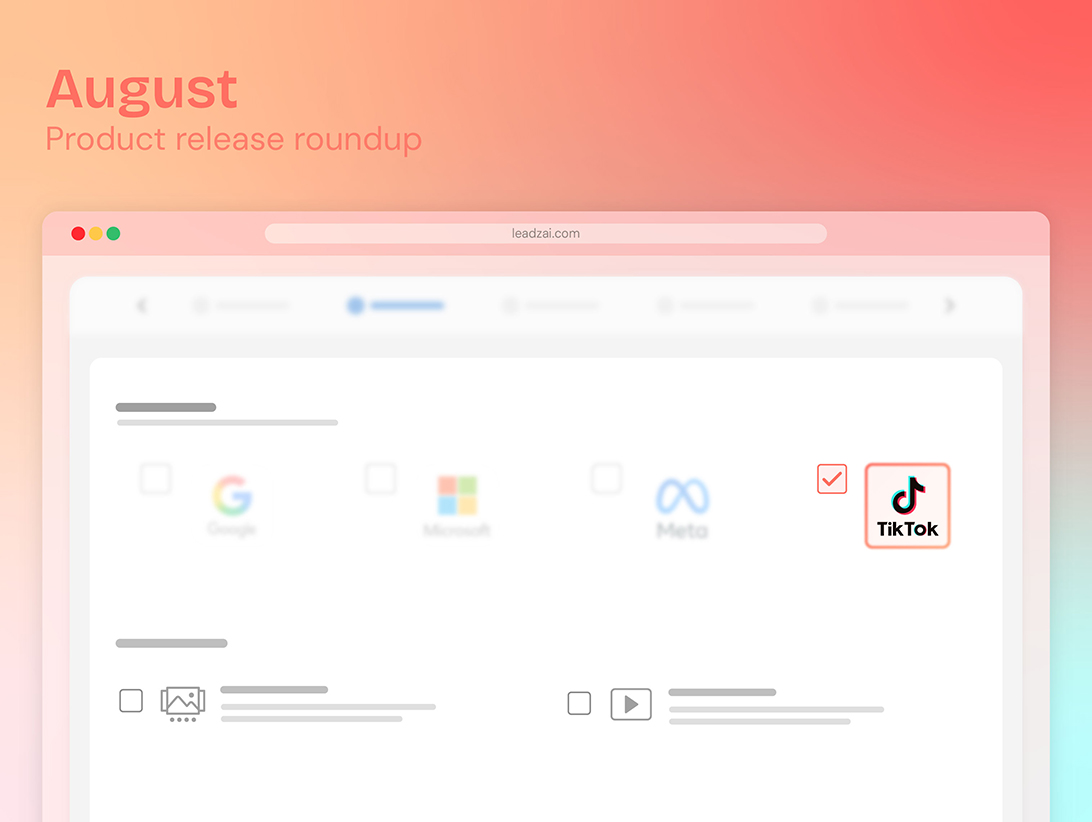
- TikTok Integration
- New UI for manually creating TikTok ads
- Autogeneration of carousel ads and single video ads for TikTok
- AI-generated video ads powered by Symphony
- New Metrics
- Meta Reach to identify clearly how many unique users the Ad is shown.
- Google Optiscore to present the completeness of the campaign scope in Google.
- Lead Tracking
- Ability to track Ecommerce conversations - Add to card, Begin Checkout and Purchase
Please find more detail per update below.
Product Release Notes - July 2026
01. ACS Improvements: Faster Campaign Generation
Available: July 1, 2026 | Campaign Level — Campaign Creation
1. What is this and who is it for?
Our campaign generation engine is the core of what makes Leadzai powerful — it automatically creates campaigns, ads, and keywords on your behalf. This update is for every campaign manager on the platform, as it directly reduces the time between requesting a new campaign and having a fully built, ready-to-run campaign in your hands.
2. What changed, where will users see it and how does it work?
We have made a series of under-the-hood improvements to how our engine prepares and generates campaign content. The generation process now runs more tasks simultaneously rather than sequentially, meaning ads, keywords, and audiences are built in parallel instead of one after the other. The engine also makes smarter use of cached data and optimized processes. Together, these changes cut campaign generation time by more than 50%.
3. How does this impact existing campaigns or setups?
This improvement applies automatically to all new campaigns going forward. There is nothing to configure or change — you will simply notice that campaigns are ready sooner. The generation process is also now more resilient, meaning that if an issue occurs during any part of the process, the rest of the campaign continues to be built rather than the entire generation stopping.
4. How do users get access and where is it available?
Available starting July 1, 2026, for all partners on the platform. No action is needed — these improvements apply automatically to every new campaign created and you will simply notice that your campaigns are ready sooner.
02. Meta Interests Set to Broad
Available: July 20, 2026 | Campaign Level — Ad Management
1. What is this and who is it for?
This update is for campaign managers running Meta campaigns. Previously, Meta interest suggestions could be too narrow, sometimes shrinking the audience so much that campaigns struggled to get an audience. Interest suggestions in Meta now default to a single broad interest, rather than a combination of specific ones.
2. What changed, where will users see it, and how does it work?
The platform instead of combining multiple specific interests, now suggests a single, broad interest. This widens the addressable audience and improves the likelihood that campaigns launch and deliver successfully. Audience Interests appear on the Audiences step when creating or editing a campaign.
3. How does this impact existing campaigns or setups?
This improvement applies only to new campaigns going forward. Leadzai team have seen that Meta, more and more, is better capable of finding the best target to a campaign. Having multiple combining interests was hurting the campaigns instead of helping.
Keeping one broad interest gives just the correct guidance to Meta so that it can work its own magic.
4. How do users get access, and where is it available?
Available from July 20, 2026, on the Audiences step of campaign creation/editing. No activation is required.
03. UX & Workflow Improvements
Available: July 31, 2026 | Campaign Level — Workflow & Usability Enhancements
1. What is this and who is it for?
Four updates that streamline day-to-day campaign management for service teams — from bulk-adding search terms as keywords to seeing more information at a glance, without leaving the screens they're already working in.
2. What changed, where will users see it and how does it work?
Add search terms as keywords in bulk
Previously, users could only select and add one search term as a keyword at a time. The Search Terms table now allows selecting multiple search terms at once and adding them all as keywords in a single bulk action.
Add multiple locations without leaving the same view
Adding several locations previously meant navigating back and forth between screens for each one. A new "Save and add more" button on the location targeting form now lets users save a location and immediately continue adding the next one, without leaving the view.
Show whether the Display Network is active
Google Display campaigns require the Display Network to be active on a business's account, but this wasn't visible anywhere in the platform. A new read-only field now shows whether the Display Network is active. It is visible on the Campaigns table, the ACS Summary Header, and the Campaign Dashboard header.
Search Terms — keyword status
The search Terms table previously showed which keyword a search term matched, but not whether that keyword was still active. The table now includes a "Keyword Status" column, and matched keywords are color-coded by status
3. How does this impact existing campaigns or setups?
No impact on campaign delivery or settings. All changes are interface-level only.
4. How do users get access and where is it available?
Available from July 31, 2026 for all user roles. No activation required.
04. Campaign Validation Improvements
Available: July 31, 2026 | Campaign Level — Ad Management
1. What is this and who is it for?
Two updates that help catch problems before they affect live campaigns — for service teams managing campaigns
2. What changed, where will users see it and how does it work?
Bulk pause/unpause ads: before/after confirmation
When bulk pausing or unpausing ads, the confirmation dialog now shows the before and after status for each affected ad, so users can review the change before applying it
Block Meta-only campaigns without a linked Facebook page from being launched
Previously, Meta-only campaigns could be launched without a Facebook page linked. For a draft campaign containing a Meta ad with no Facebook page linked, the launch button is now disabled, along with a clear message explaining why publishing isn't possible.
3. How does this impact existing campaigns or setups?
No impact on existing campaigns or setups — this is a UX-only change. Both updates appear on the Ads & Keywords step whenever a campaign is being created or edited; nothing changes for campaigns that aren't opened in that step
4. How do users get access and where is it available?
Available from July 31, 2026, on the Ads & Keywords step of the campaign creation/editing flow. No activation required.
05. Reporting Enhancement: Image Extensions in Downloadable Reports
Available: July 15, 2026 | Campaign Level — Reporting
1. What is this and who is it for?
This update is for service and sales teams sharing downloadable reports with clients. Previously, image extensions added to a campaign didn't appear in the report, so advertisers had no way of seeing that this extension was in use
2. What changed, where will users see it and how does it work?
Image extensions are now shown in the summary report view within downloadable reports, so clients can see that the option is active on their campaigns
3. How does this impact existing campaigns or setups?
No impact on delivery or setup. This applies to the reports of all campaigns, so any campaign already using image extensions will show them the next time a report is generated — nothing needs to be changed or regenerated manually
4. How do users get access and where is it available?
Available from July 15, 2026, in the downloadable reports found in the campaign dashboard. No activation required.
Questions or feedback? Reach out to your dedicated Partner Manager.
Thank you for being part of the Leadzai partner community. We remain committed to developing features that help you and your clients achieve better results, and your feedback helps guide the way. If you have any questions about this release, your Partner Manager is always just a message away!